Working as a remote project manager can be both challenging and rewarding. I know how much of a difference the best communication tools for remote teams can make in keeping everyone connected, sharing updates, and avoiding misunderstandings. When I started handling remote projects, it took some trial and error to find what worked best. In this article, I’m sharing the essential communication tools that really help me (and many other managers) lead remote teams effectively and keep projects on track.
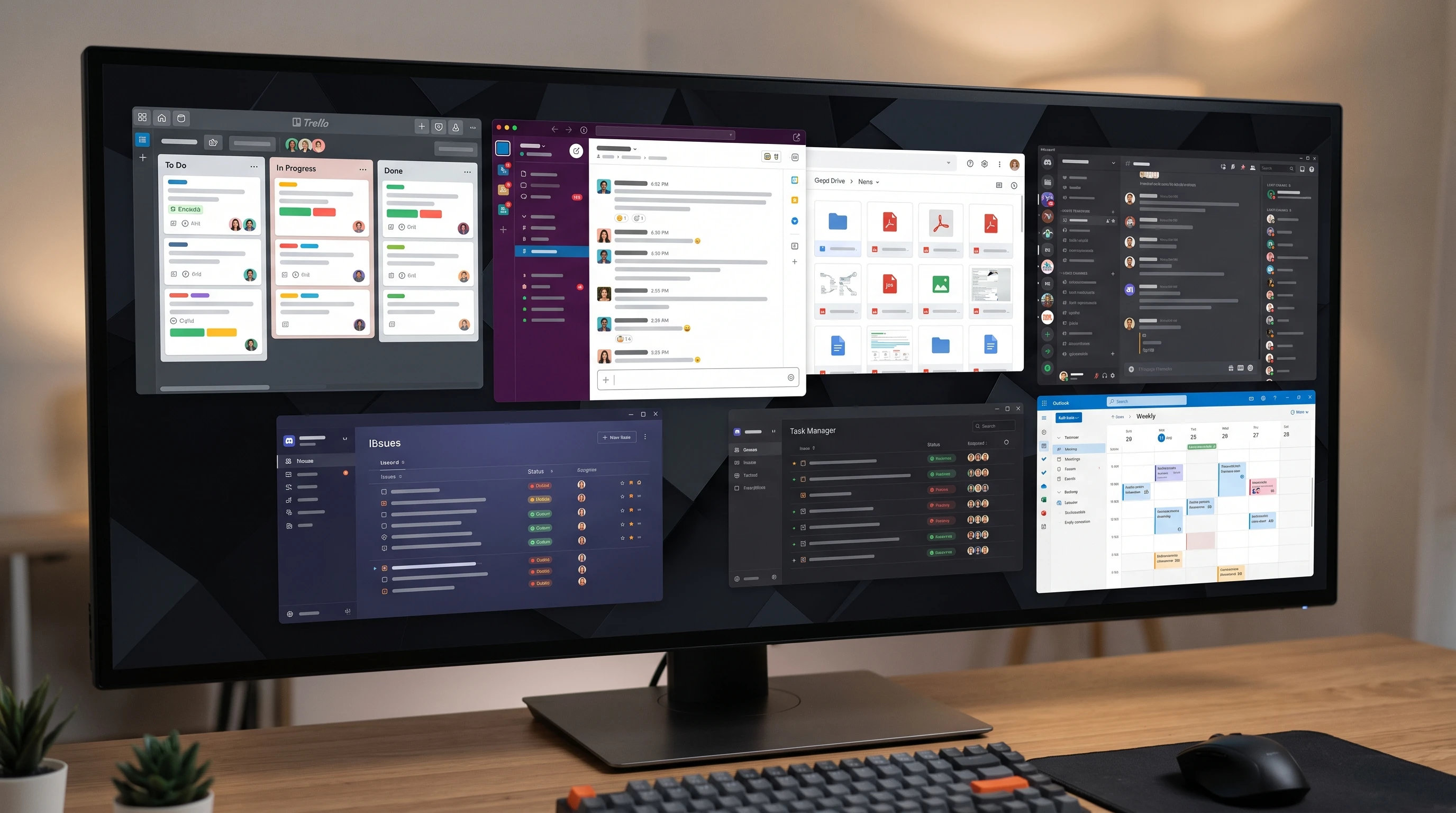
Why Good Communication Tools Matter for Remote Project Managers
Managing a project in a remote environment brings a unique set of challenges. I’ve noticed that small issues can quickly grow if communication isn’t clear or timely. Remote work means you don’t have those quick chats by the coffee machine, so every message and update needs to be thoughtful and easy for everyone involved to access. Choosing from the top project management tools for remote work isn’t just about features. It’s about helping the team stay connected, engaged, and productive, no matter where people are located.
I’ve seen firsthand that investing in reliable tools helps avoid confusion, missed deadlines, and drops in motivation. Market reports indicate that use of remote project management software has grown sharply since 2020, with nearly 60% of companies saying they plan to maintain some form of remote or hybrid work in the long term (Statista). So, picking the right tools is more important than ever for successful teamwork and project delivery.
Understanding the Key Types of Remote Communication Tools
In my experience, there are different types of tools every remote project manager needs. Here are the main ones I rely on:
- Messaging and Chat Apps: For quick questions and ongoing team discussions.
- Video Conferencing Tools: For meetings, brainstorming, and building team relationships.
- Project Management Platforms: For tracking tasks, progress, and overall timelines.
- Document Collaboration Tools: For sharing, editing, and organizing important documents in real time.
- File Sharing and Storage: For keeping everyone’s work accessible and secure.
Each category answers a specific need. When I get the right mix, managing people and projects across locations feels much more straightforward. The best tools for virtual team collaboration save everyone time and keep information organized.
My Go-To Essential Communication Tools for Managing Remote Teams
After trying several options, I’ve found the following tools really useful. These are my personal recommendations for anyone building their own toolkit of essential tools for managing remote teams effectively.
- Slack: This messaging app is a fixture in many remote teams, including mine. I use it to organize conversations by channel (by topic or team area), send direct messages, and quickly share files or links. Threads make it easy to keep topics organized. Integrations with other apps add even more value. Slack is one of the best communication tools for remote teams if you want flexibility and less cluttered inboxes.
- Microsoft Teams: I use Teams when working with companies already in the Microsoft ecosystem. It offers real-time messaging, video meetings, and tight integration with tools like OneDrive, SharePoint, and Office. Scheduling meetings and collaborating on files is seamless when everyone is on the same platform.
- Zoom: For group calls, client demos, and interviews, Zoom is my top pick. It’s stable even with large groups and supports screen sharing, breakout rooms, and session recording. I find this really important for recurring status meetings or project kickoffs where visuals matter.
- Google Workspace (Docs, Sheets, Meet, Drive): I often use Google Docs and Sheets with teams for real-time document editing. Google Drive’s shared folders help keep resources organized. Google Meet’s video feature works well for teams already using Gmail or Calendar.
- Trello: My choice for lightweight project tracking. I set up boards for different phases, then create cards for each task or deliverable. Team members can easily comment, attach files, or update statuses.
- Asana: When handling more complex projects, I prefer Asana for detailing dependencies, assigning tasks, and tracking overall progress. The visual dashboards and timeline (Gantt) make project status really clear, especially for larger remote teams.
- Notion: Notion helps me build an internal knowledge base for each project. It’s great for managing meeting notes, documentation, roadmaps, and team wikis, keeping everything in one place and searchable for everyone.
- Dropbox or OneDrive: For large files and secure sharing, I like Dropbox or OneDrive. Version control and access settings are reliable, which avoids the pain of lost or mismatched final versions.
How to Choose Communication Tools for Project Management
When I need to pick tools for a new project or team, I consider a few key points to avoid trouble down the road:
- Integration: I check if a tool plays well with other apps we already use (like calendars, CRMs, or document platforms). Integration saves time and reduces double work.
- Ease of Use: The simpler and more intuitive a tool is, the faster my team will get on board, and the fewer training sessions I need to run. Complicated tools often go unused.
- Security: Security is super important, especially with client documents or private information. I make sure data is encrypted and that the company provides transparent security details.
- Scalability: I look for tools that work just as well for a team of five as for a team of fifty. This keeps things futureproof if the team grows.
- Support and Updates: I check whether the company offers support and regular updates, and whether their help documentation is clear and accessible. Responsive support saves me time troubleshooting.
- Cost: I weigh the cost against features, especially for startups or projects with tight budgets. Free plans can work for small teams, while growing teams often need paid options for advanced features.
Choosing tools with the team’s daily habits and working style in mind means less frustration and a smoother workflow.
Common Problems with Remote Communication, and How to Solve Them
Remote collaboration isn’t perfect, and even with the best tools, things can go wrong. Here are some common problems I’ve run into, along with how I handle them:
- Message Overload: Too many notifications can stress out team members. I recommend setting clear guidelines around channel usage, for example, important updates versus general chat. Muting nonessential channels and encouraging focused time with “Do Not Disturb” features also help.
- Time Zone Differences: Coordinating across multiple time zones can be tricky. I try to schedule meetings during overlapping working hours when possible, rotate meeting times if some people are always inconvenienced, and use calendar integrations that automatically adjust to each team member’s time zone.
- Lack of Nonverbal Cues: Without face-to-face interaction, messages are easy to misread. I encourage short video updates when tone and context really matter, and I often use emojis or GIFs (in moderation) to express intent.
- Information Silos: Sometimes updates get stuck in private messages or emails. I set up central channels, shared folders, or project dashboards so everyone has access to the information they need. I point new members to Notion or Google Docs for a quick catch-up.
- Onboarding New Members: Getting newcomers up to speed can take longer remotely. I keep onboarding documents up to date, schedule welcome video calls, and encourage questions in open channels.
By addressing these problems early and consistently, I keep the team connected and motivated.
Advanced Tips for Getting the Most Out of Remote Communication Tools
Once the basics are working, a few tweaks can make things run even better. Here are some advanced tips that I’ve found valuable over time:
Create and Document Communication Norms: I set clear guidelines for what goes in which channel, response time expectations, and when to escalate issues to calls. Keeping this info in a public doc helps everyone stay on the same page.
Automate Repetitive Tasks: Many tools, such as Slack, Asana, and Trello, support automation for reminders, task status updates, and follow-up messages. Automating common actions saves me time for more strategic work.
Record Key Meetings: I record project kickoffs, important presentations, and decisions using Zoom or Teams. These recordings help those who couldn’t attend and serve as easy references for later.
Use Analytics and Reporting: Some tools offer dashboards or reports that show participation, response times, or project progress. Reviewing these regularly gives me insight into what’s working and where we need to adjust.
Encourage Camera Use, Within Reason: While constant “cameras on” can be tiring, I encourage video when teams are small, or we need to build rapport. For larger groups or frequent meetings, audio only is fine unless the topic requires face-to-face discussion.
Cross-Train the Team: I make sure everyone knows the basics of all tools we use, so someone can fill in if another team member is unavailable. I share screen-recorded tutorials or host quick Q&A sessions to help the whole team stay confident and adaptable.
Making these part of the routine keeps remote work running smoothly at scale and ensures nothing important slips through the cracks.
Best Tools for Virtual Team Collaboration: Putting It All Together
Here are some ways I combine essential communication tools for remote project management in everyday situations. These approaches boost engagement and productivity while keeping the team aligned and motivated.
- Daily Standups: Using Slack or Teams, I set up a short daily check-in where team members quickly share updates, blockers, or wins. This replaces in-person huddles and ensures everyone knows what’s happening.
- Document Collaboration: For proposal writing or process guidelines, everyone edits the same Google Doc. I use tracked changes and comment threads to keep revisions orderly and transparent.
- Project Kickoff Calls: Zoom or Microsoft Teams is the platform for project launches. I share slides, review the project plan in Asana, and leave time for Q&A so everyone leaves with clear goals and tasks.
- Status Dashboards: Trello and Asana boards act as live status updates for clients or managers. I share read-only board links so stakeholders get current information without extra meetings.
- Shared Knowledge Spaces: By maintaining a Notion space or Google Drive folder, I keep company policies, guides, and onboarding documents sorted and available to everyone, making it easier to onboard new people without duplicating effort.
- Asynchronous Communication: I use shared channels and detailed updates when people can’t meet live, so no one falls behind due to different schedules or time zones.

FAQs for Remote Project Managers on Communication Tools
Here are some questions I’m frequently asked by people starting out in remote project management:
Question: What should I look for in the best communication tools for remote teams?
Answer: Focus on user-friendly tools with strong search, integration capability, reliable uptime, and active customer support. Free trials let you see what fits best for your team.
Question: How many tools are too many?
Answer: I find that three to five core platforms usually cover messaging, meetings, file management, and task tracking. Too many tools can cause confusion and slow down workflows.
Question: Can one tool do it all?
Answer: Some platforms, like Microsoft Teams or Notion, offer lots of combined features, but every team’s needs are different. Mixing specialized tools is often more effective than choosing a single “all-in-one” solution.
Question: How do I introduce a new tool to my remote team?
Answer: I start with a demo and clear explanations of “why this tool,” then share quick-start guides or short tutorials. Gathering feedback after a couple of weeks helps address snags and adapt usage.
Final Thoughts on Building Your Remote Project Communication Toolkit
Using the right tools makes a real difference in how remote teams communicate and work together. From Slack to Zoom and from Asana to Notion, these platforms help me keep everyone aligned and projects on track. When I choose tools based on team needs and workflows, remote project management feels less stressful and more productive. The best communication tools for remote teams are the ones that teams actually enjoy using daily. Staying flexible, open to feedback, and willing to update your toolkit ensures long-term success in any remote work environment.
This article was created with AI assistance and reviewed by a human editor.