Internet disruptions can throw off even the best-laid plans, and for those of us working in remote software testing roles, the stakes feel pretty high. My entire workflow, running test suites, syncing with CI/CD, reviewing logs, and staying in sync with my team, relies on having a stable connection. When the internet drops, it can stall sprints, delay product launches, and cause stress about hitting deadlines. Every hour lost can mean missed bug reports and frustrated clients or managers, especially when I depend on cloud-based tools or need to participate in real-time discussions. Knowing how to handle internet outages in remote work isn’t just helpful; it can really protect my work reputation and keep releases on track. Plus, dealing with these challenges hones my adaptability, making me a more reliable team member in the long run.
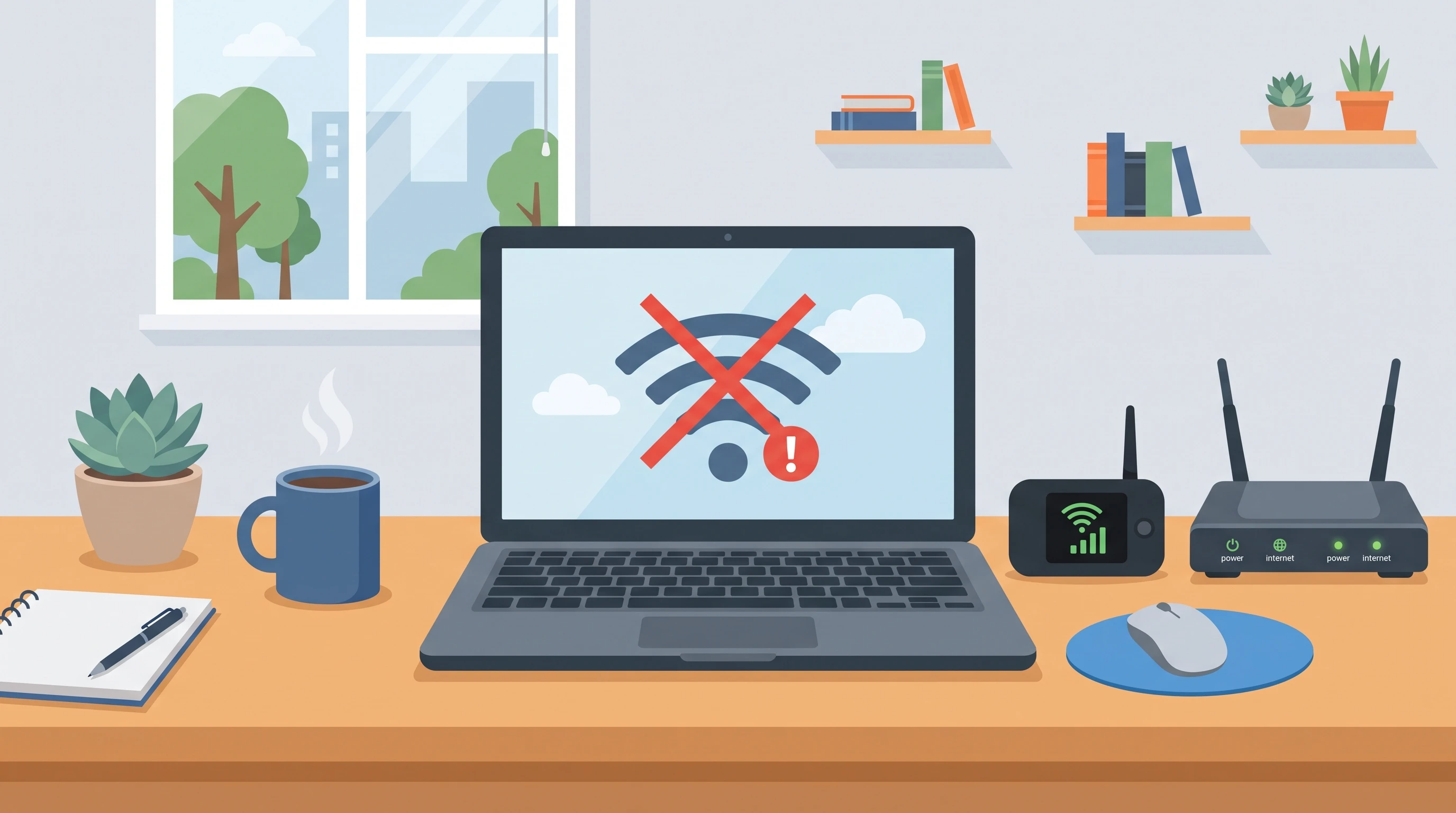
Why Internet Outages Are a Bigger Risk for Remote Testers
I have noticed that remote software testing jobs rely more on connectivity than many other remote roles. My dependencies aren’t just about sending emails or chatting with colleagues. I work with online test labs, cloud-based tools like Jira, TestRail, and BrowserStack, and almost all my communication happens over video calls or chat apps. Pushing code or updating test cases usually requires access to version control like Git. Even a short outage can interrupt automated test pipelines, break connections to virtual machines, or disrupt a critical team meeting. Unlike office setups, there’s no in-person fallback, so I need stronger strategies to cope with unexpected drops in internet service. This makes it crucial to build a resilient workflow tailored to the realities of home internet connections.
How To Prepare For Internet Downtime In Remote Work
Preparation always helps reduce stress and limit disruption. For remote testers, having backup connectivity and clear routines for outages can be a game changer. I always invest in a secondary internet option, such as a mobile hotspot or a backup ISP plan. Before starting a major sprint or a deadline-heavy week, I make it a habit to download needed documentation, test scenarios, and SDKs, so I can work offline if needed. Setting up a local test environment can also help continue some manual or automated tests without relying on the cloud. Most importantly, I discuss outage protocols with my team and employer before they happen. We agree on how quickly to notify each other, what tasks I can switch to offline mode, and how to keep everyone updated on my progress when connectivity returns. Planning ahead feels reassuring and keeps the workflow smoother. It also shows initiative, underlining my commitment to delivering quality work no matter the circumstances.
Best Tools For Remote Software Testing (That Work Well With Unstable Connections)
Choosing the best tools for remote software testing means picking options that can handle unreliable or intermittent internet connections. For test management, tools like Zephyr and TestRail let me export test cases for offline access and sync changes when back online. Lightweight communication apps such as Slack or Mattermost seem to handle brief interruptions well, buffering messages and reconnecting quickly. For device testing, I often rely on local emulators or run Selenium/Appium scripts on my own machine, rather than always depending on cloud devices. Version control tools like Git allow for local commits, letting me track changes offline and push them later. Having a mobile hotspot, failover router, or LTE USB stick often helps with quick recovery. Keeping backup connectivity tools handy is just as important as choosing software with robust offline support. Regularly updating my suite of offline-capable tools helps ensure I’m never caught off guard by a disruption.
Top Solutions For Internet Outages In Testing
When I know that my work depends on not missing a beat, I use a few practical solutions to stay online or minimize downtime. My first step is paying for two ISPs, one wired and one wireless (fiber plus LTE/5G) to cover most scenarios. I also keep a portable mobile hotspot fully charged and have an LTE failover router that switches to mobile data if my main line fails. Local caching matters because many test management and bug tracking tools allow offline updates, which can be synced as soon as the connection comes back. If my home connection is down for an extended period, I have a few coworking spaces or cafes nearby in mind to use as alternatives. Having these options mapped out means I rarely lose more than a few minutes when trouble hits. Spending time setting this up saves a lot of hassle and worry in the long run. For example, creating a checklist of nearby WiFi spots and testing them in advance ensures that my backup plan is truly viable when the time comes.
How To Manage Connectivity Issues In Testing Mid-Task
Even with preparation, outages sometimes hit right in the middle of something important. My first instinct is always to save my current work and keep local copies of bug reports, test results, and code changes. For manual testing, I keep test steps and outcomes in a local file or even a paper notebook. Automated test builds can still be run in a local environment if I’ve set that up. I shift my focus to tasks that don’t require a live connection, like reviewing logs, writing test cases, or preparing documentation. To avoid losing new findings, I keep offline notes ready to upload when I’m reconnected. This approach helps me stay on track and show continuous progress, even if cloud or team tools stay unavailable for a while. It’s all about switching priorities quickly and being resourceful in the moment. Sometimes, I use this downtime to clean up local scripts, organize test cases, or brainstorm new test strategies, ensuring that no time is truly wasted.
Dealing With Internet Disruptions In Software Testing: Communication Best Practices
Communicating early and clearly about outages is really important for maintaining high trust in remote teams. When I run into connectivity issues, I send a quick update to my project manager or teammates, sometimes via SMS or a mobile messenger if my main channels are down. I always explain the issue and give an estimated time to reconnect, and outline any offline work I can keep doing. Here’s a simple script I like to use: “Hi team, my internet service is down as of [time]. I’m working on local test cases and documentation while I get back online. I expect to reconnect within [estimate]. I’ll update you as soon as I’m back.” Proactive updates help manage expectations, and they show that I’m taking my responsibilities seriously. Sample templates make it easier to act fast and avoid panic in stressful moments. Keeping a few communication shortcuts and alternative contact methods handy also helps speed things up during an outage.
Tips For Remote Software Testers During Outages
- Keep a fully charged mobile hotspot or LTE dongle ready for emergencies.
- Download testing checklists and documentation before every sprint or major project.
- Maintain a local VM or emulator setup for offline testing of builds or bug reproduction.
- Save progress locally and back up notes in a physical notebook or simple text file.
- Have alternative work locations (coworking spaces, libraries, cafes) mapped out with reliable Wi-Fi.
- Set up offline access for critical apps and tools wherever possible.
- Let your team know about outages as soon as possible and share recovery steps.
- Practice recovery drills by intentionally switching networks or testing your backup hotspots, so you know exactly what to expect during an actual outage.
- Stay organized with a detailed logbook of issues encountered, how you solved them, and lessons learned from each disruption.
- Invest in surge protectors and backup power sources for essential devices to prevent hardware damage when power and internet problems happen together.
Best Practices For Remote Testing During Outages (Long-Term Resilience)
Building long-term resilience against outages is just as important as having emergency fixes. I invest in redundancy by choosing internet plans with built-in failover or by having two completely separate providers. I also create a checklist for outage scenarios and practice switchover drills every few months. With clients and employers, I’m transparent about potential connectivity risks and share my backup plans, sometimes even incorporating them into service agreements or SLAs. I make sure my insurance and equipment coverage include remote work and home office internet issues. Keeping regular communication open, both for reporting problems and for sharing lessons learned, builds more security and confidence in my ability to handle hitches professionally. This mindset helps me keep my career on solid ground in a world where outages can’t always be avoided. I also actively participate in online communities and forums for remote workers, learning fresh strategies and sharing my own experiences, which broadens my safety net even further.
FAQ: Handling Internet Outages in Remote Testing
How can I test software offline if the tools I use are cloud-based?
Many cloud-based tools allow exporting test runs, cases, or requirements. I always download these before a major sprint and set up local builds on a VM or emulator for offline bug hunting.
What should I do if internet outages are frequent in my area?
If it becomes routine, I suggest investing in stronger backups. This can mean a dual-SIM router, a better mobile data plan, or choosing a nearby work-friendly spot with reliable WiFi. Regularly updating your solutions ensures you stay ready for any pattern of disruptions that may emerge over time.
How do I stay responsible with my team if I keep losing connection?
Transparency is key. I share my solutions, keep outage logs, and always notify my team right away of my offline progress and recovery steps. Showing accountability helps keep everyone’s trust in my work strong. I also set recurring reminders to review my backup plans and check in with stakeholders, so everyone’s prepared for potential downtime.
Remote software testing depends on a stable internet connection, but with the right tools and habits, I can keep work moving even when the unexpected happens. Proactive preparation, smart backup options, and strong communication help minimize professional and project risks associated with outages. For more tips on handling remote testing, see remote QA career tips, explore the best VPNs for remote teams, or find more freelance testing tools to strengthen your workflow. Don’t let unreliable connections throw you off course; plan ahead, adapt quickly, and keep delivering great results, no matter where you connect from.

This article was created with AI assistance and reviewed by a human editor.