Most retirees who want to start an affiliate blog are not held back by a lack of intelligence or time. They are held back by a picture of what the technology involves: code, plugins, hosting dashboards, security settings, and a dozen accounts to connect. That picture is mostly wrong for someone building a simple site today.
This article lays out a build order for starting an affiliate blog as a retiree without becoming a tech expert. It tells you which decisions matter in the first weeks, which can wait, and where to go when something confuses you. Work through it in order, and you will have a live site with a few useful posts, which is the real goal of the first month.
Why the tech feels harder than it is (and what you can safely ignore at the start)
Online blogging advice is written by people who enjoy tinkering, and it shows. Guides list fifteen plugins to install, analytics tools to connect, speed tests to run and design tweaks to make. A beginner reads that and concludes the whole thing is a technical project.
A blog is a set of web pages with your writing on them. To get one working, you need a place for it to live, a name, a few pages, and some posts. That is the entire list. Everything else is optional, and most of it has no effect on whether your first posts help a reader.

Here is what you can leave alone for now:
- Custom design work. A clean, plain theme is enough. Readers care whether the page is easy to read, and a simple layout does that well.
- Extra plugins or add-ons. Each one needs updating and can break. Add one only when you can name a specific problem it solves.
- Advanced analytics. You need no traffic dashboards before there is traffic.
- Search engine settings beyond the basics. Clear titles and well-organized posts matter far more than any setting.
- Social media accounts. They can wait until the site has something worth sharing.
- Email list tools. These come later, once the site has readers.
Skipping these is not cutting corners. It is putting the work in the right order. Writing useful posts for a specific reader drives results, and none of the items above help until the posts exist.
It also helps to know that the fear is common and usually fades quickly. Most of the confusing screens you will see in the first week you will never need to open again after setup.
Pick one topic you already know before you touch any settings
Choose the topic first, because it determines every later decision: the name of the site, the kind of posts, which affiliate products fit. Doing it first also means you start with writing, which is the part you are most likely to already be good at.
Look for a subject you already know well. Decades in a profession, a long-standing hobby, years of managing a household budget, caring for a family member, gardening, travel on a fixed income, woodworking, or learning to use a smartphone later in life can all qualify. You do not need to be the leading authority. You need to know more than someone just starting out and be able to explain it clearly.

A good test is three questions:
- Can you think of at least twenty specific questions a beginner in this subject would ask?
- Do people in this subject buy products or services, such as tools, software, courses, equipment or memberships?
- Would you be content to write about it regularly for a year?
If the answer to all three is yes, the topic is workable. If you can only think of five questions, the topic is likely too narrow. If nothing in it involves buying anything, affiliate income will be hard to come by, and you may want a neighboring topic.
Narrow is better than broad at the start. “Retirement” is too wide to write about with authority. “Affordable hobbies for retirees on a fixed income” or “simple home maintenance for people who live alone” gives you a clearer reader and clearer posts.
Write the topic down in one sentence in this form: “This site helps [specific reader] with [specific problem].” Keep it where you can see it. When you are unsure what to write next, the sentence tells you.
Choose a hosted platform that handles the technical upkeep for you
The biggest technical decision you will make is where the site lives. The safest choice for a non-technical beginner is a hosted platform, a service that runs the site’s software, handles security updates and backups, and gives you a simple screen for writing and publishing.
The alternative is setting up and maintaining the software yourself. That route gives experienced people more control, and it also leaves you responsible for updates, security patches, backups, and fixing whatever breaks. None of that is a good use of your first month.
When you compare hosted options, check these things, and ignore the rest of the feature list:
- Updates and security are handled for you. The provider should maintain the underlying software, so you don’t have to run updates by hand.
- Backups exist. If something goes wrong, you should be able to restore your work.
- Publishing is simple. You should be able to write a post, preview it, and publish it from one screen. Try it before committing, if a trial is offered.
- You can use your own domain name. A domain is the web address of your site. Owning it means you can move the site later without losing the address your readers know.
- Help is easy to reach. Look for real support or a community you can ask, not only a page of articles.
- Affiliate links are allowed. Read the terms to confirm that placing affiliate links on your pages is permitted.
Check the provider’s current pricing and terms before you sign up, since they change. Do not pay for add-on features in the first month. The basic plan that lets you publish is enough while you learn.
If you are building inside Wealthy Affiliate, your Hub’s game plan lays out the setup as a list of tasks, so you do not have to work out the order yourself.
When you pick a domain name, keep it short, easy to spell, and easy to say aloud over the phone. Avoid hyphens and unusual spellings. A name that relates to your topic helps, but a simple name you can remember is better than a clever one.
The short list of setup tasks that actually matter in week one
Week one has a small set of jobs. Complete these, and you have a working site. Anything not on this list can wait.
1. Register the site and choose a theme. Pick a clean, readable theme with plenty of white space and a legible font size. Many retirees are writing for readers of a similar age, so larger text and strong contrast are worth choosing deliberately. Do not spend more than an hour on this. You can change the theme later without losing your posts.
2. Create the essential pages. You need four:
- Home page, which says in a sentence or two who the site is for and what they will find.
- About page, which describes what the site covers and who it’s for. You decide how much about yourself to share. A page about the reader and the site’s purpose is perfectly good if you prefer privacy.
- Add a contact page with a simple way for readers to reach you.
- Privacy policy and affiliate disclosure page, covering how you handle visitor information and the fact that you may earn commissions.
3. Learn the disclosure requirement. If you earn commissions from links, readers should be told, in plain language, near the links. In the United States, the Federal Trade Commission expects clear disclosure, and affiliate programs usually require it too. Other countries have their own rules, so check the ones that apply where you live. A short sentence such as “Some links on this site are affiliate links, which means I may earn a commission if you buy through them, at no extra cost to you” does the job. For anything legally specific, such as privacy policy wording, consult a qualified professional or use a reliable template from a trusted source.
4. Set up a simple menu. List your main pages and, later, your main categories. Four or five items is plenty.
5. Write down your posting routine. Choose a manageable schedule, such as two posts a week, and put the writing sessions on your calendar. A modest schedule you keep is worth more than an ambitious one you abandon.

6. Save your logins. Store your site login, domain details, and any account recovery information in one place, such as a notebook kept somewhere safe or a password manager. This prevents the most common beginner panic: being locked out of your own site.
Notice what is missing: no plugins, no analytics, no social profiles, no email software. You can add those in later weeks if they prove useful.
Write your first posts in a simple, repeatable format
The hardest part of starting a blog is facing a blank page with no idea how to organize it. A fixed format removes that problem. Use the same outline for each post until it becomes automatic, then adjust it as you learn what works.
A reliable format for a helpful post:
- A title that names the reader’s question. “How to choose a walking shoe for sore knees” says exactly what the post covers.
- A short opening. Two or three sentences stating the problem and what the reader will get.
- The answer, in sections. Use headings so a reader can find the part they need. Keep paragraphs short.
- A concrete example or specific detail in each section, such as a measurement, a product feature, or a situation a reader would recognize.
- A brief closing that tells the reader what to do next.
Posts that fit well in the first batch include:
- Answers to beginner questions, such as “What does X mean?” or “How do I start with Y?”
- Comparisons, such as two or three options for the same job and who each one suits.
- Lists, such as “Seven things to check before buying Z.”
- Simple how-to guides that walk through one task in order.
Write in the way you would explain something to a friend across the table. Plain words, direct statements, and specific details read better than polished phrases. If you are covering a subject where you have direct experience, you can say so, but only describe what is true. If you have not used a product, do not write as though you have. Say what you checked and where the information came from.
Aim for posts that fully answer the question rather than hitting a word count. For guidance on making posts that stay useful over time, the member’s guide on creating evergreen blog posts covers how to choose topics that don’t go out of date, and its approach applies to many subjects beyond personal finance.
Write your first draft without editing. Then read it aloud once. Shorten or rewrite any sentence that makes you stumble. Check names, figures, and claims against reliable sources before publishing. Then publish, because a published imperfect post teaches you more than a draft you keep polishing.
Add affiliate links only after you have a few useful posts
It is tempting to sign up for programs on day one. Waiting is better, for practical and ethical reasons.
Many affiliate programs review your site before approving you, and a site with several real posts looks more credible than an empty one. More importantly, your posts should be useful to a reader who never clicks a link. When the writing helps people first, recommendations come across as advice rather than advertising.
A sensible point to begin is when you have three to five published posts. Then:
- Choose products you can explain honestly. Pick things that fit your topic and that you understand well enough to say who they suit and who they do not.
- Read each program’s terms. Check how commissions are paid, how long the tracking window lasts, and any rules about how you may place or describe links.
- Be careful with anything that sounds too good. Big income promises, pressure to buy in, or vague product descriptions are reasons to look elsewhere. The member’s piece on high-ticket affiliate programs for retirees explains how to separate sound programs from risky ones.
- Add links where they help the reader. If a post compares three tools, link to each at the point where you discuss it. Do not scatter links through posts where they serve no purpose.
- Disclose near the link. Place your disclosure sentence at the top of any post that contains affiliate links.
Start with a small number of links. Go back to your existing posts and add one or two where a recommendation fits naturally. Later you can write new posts with a product in mind from the start.
Do not plan your finances around commissions during the first month. The goal for the first 30 days is a live site with useful posts and a routine you can maintain. Earnings, when they come, follow.
Where to get help when you’re stuck, without feeling foolish
You will get stuck. A menu will not save, a page will look different from how you intended, or a screen will use a term you have never seen. This is a normal part of learning any new tool, and it does not reflect on your ability.
A few habits make getting unstuck faster:
- Describe the problem precisely. “The About page does not appear in my menu” can be answered quickly. “Nothing works” cannot. Note what you were trying to do, what you expected, and what happened.
- Take a screenshot. A screenshot lets a helper see exactly what you see. If you do not know how to take one on your device, searching for your device name plus “screenshot” will give you the method.
- Search before asking. Type the exact wording of an error message, or your question in plain words, into a search engine. Many beginner problems have been answered many times.
- Ask in a community of beginners. Wealthy Affiliate members can ask questions in the community, and other platforms have their own forums. People there were beginners once, and those places are for simple questions.
- Use Focus on this for a concept you need to understand. If a term or task is unclear, open a Focus and work through it using Ask, Watch and Read moves, one small piece at a time.
- Ask a person you know. A friend, a grandchild or a neighbor who is comfortable with computers can often solve in two minutes what would take you an hour. Ask them to show you rather than do it for you, so you learn the method.
Keep a simple notebook of problems and their solutions. Within a few weeks, you will have a personal reference that covers most of what comes up again.

Be cautious with unsolicited help. Never give your passwords to someone who contacts you offering to fix your site, and be wary of anyone who asks for payment through unusual channels. Genuine support comes when you ask for it, from sources you choose.
A realistic first 30 days, one small task at a time
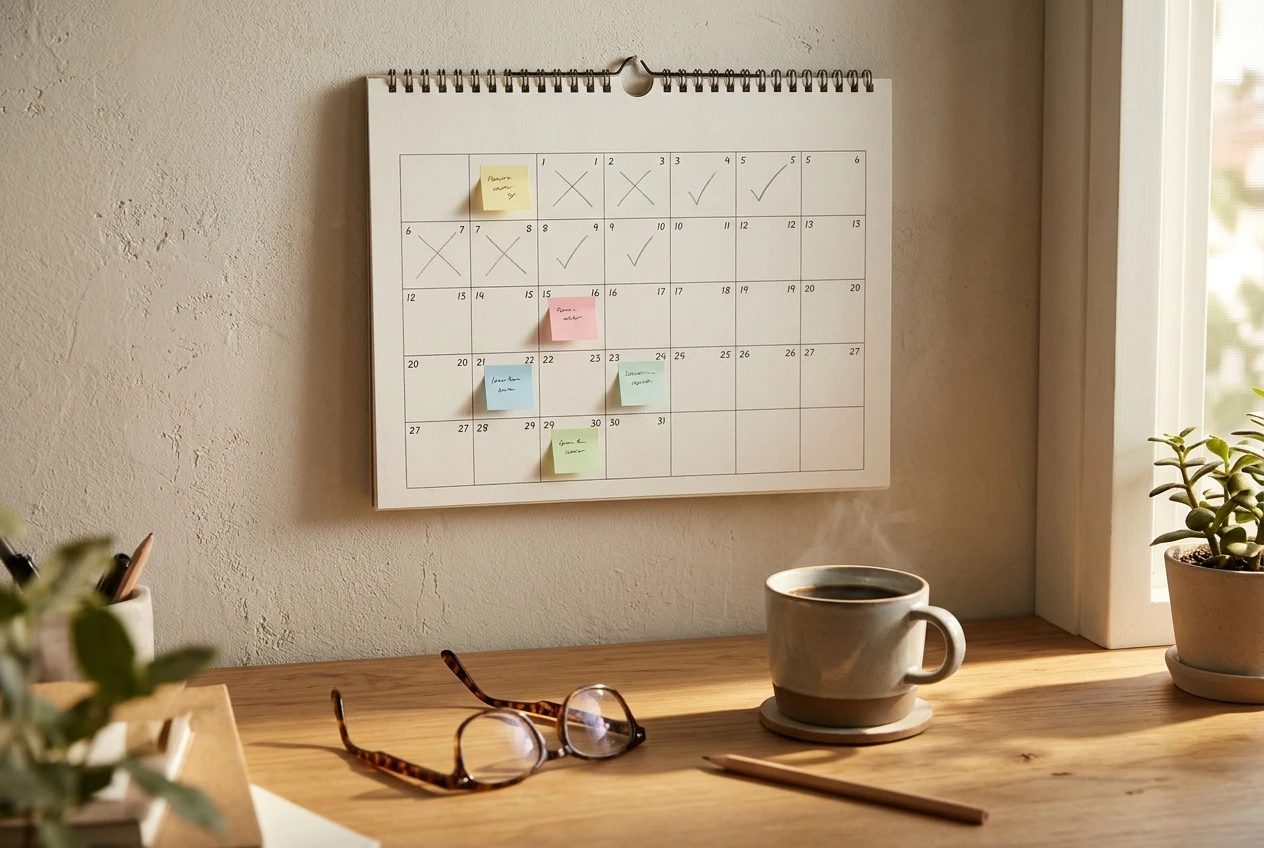
Here is a four-week plan. Each week has a small number of tasks, and each task fits into a single sitting. Adjust the pace to your schedule; if a week takes ten days, that is fine.
Week 1: Set up the site
- Write your topic sentence: who the site helps and with what.
- Choose your hosted platform and register your domain name.
- Pick a clean theme with readable text.
- Create the home, about, contact, and privacy and disclosure pages.
- Store your logins somewhere safe.
Week 2: Publish your first posts
- List twenty questions a beginner in your topic would ask.
- Choose the three that you can answer best.
- Write and publish the first post using the repeatable format.
- Write the second post. Publish it as soon as it is checked.
- Add a simple menu so readers can find your pages.
Week 3: Build the habit
- Write and publish posts three and four.
- Reread your first post and fix anything unclear.
- Set a regular writing time on your calendar.
- Check that every page loads correctly, including on a phone.
Week 4: Add affiliate links with care
- Write and publish a fifth post, perhaps a comparison or a list.
- Research two or three programs that fit your topic and read their terms.
- Apply to the programs you can honestly recommend.
- Add links and the disclosure sentence to the posts where they help.
- For more on placing links in posts, the member’s guide to monetizing a blog with affiliate links walks through the approach using budgeting tools as its example.
At the end of the month you should have a live site, four or five helpful posts, a posting routine, and a small number of well-placed affiliate links. That is a sound foundation. Traffic, email lists, and other growth work come after it, and you will handle them better with the basics already in place.
The technology is the smallest part of this project. Choose a topic you know, use a platform that keeps itself updated, do the few setup tasks that matter, and write one useful post at a time.
Open your Hub’s game plan and start with the first setup task, then use Focus on this to work through one small move at a time.

This article was created with AI assistance and reviewed by a human editor.